
🪄 AI Summary
Heading 1
Heading 2
Heading 3
Heading 4
Heading 5
Heading 6
Lorem ipsum dolor sit amet, consectetur adipiscing elit, sed do eiusmod tempor incididunt ut labore et dolore magna aliqua. Ut enim ad minim veniam, quis nostrud exercitation ullamco laboris nisi ut aliquip ex ea commodo consequat. Duis aute irure dolor in reprehenderit in voluptate velit esse cillum dolore eu fugiat nulla pariatur.
Block quote
Ordered list
- Item 1
- Item 2
- Item 3
Unordered list
- Item A
- Item B
- Item C
Bold text
Emphasis
Superscript
Subscript
AI is changing the way people create and edit videos. Tasks that once took hours, such as reviewing footage, finding the best clips, removing unwanted pauses and arranging scenes, can now be handled with help from AI assistants.
With tools that connect to ChatGPT, Claude and other AI agents, you can give editing instructions through a chat instead of performing every task manually. The assistant can work with your footage, make changes in a connected video editor and help prepare a video for publishing.
These connections often use a technology called MCP (Model Context Protocol). It allows AI assistants to work with external apps and tools. However, not every tool offers the same features or supports the same assistants. Some focus on full video editing, while others are better for podcasts, rough cuts or automated video creation.
Here are seven AI video editing tools worth considering, including what they do and which workflows they suit best.
Quick Comparison: 7 AI Video Editing Tools
| Tool | Best for | AI assistant support |
|---|---|---|
| Invideo Editor | AI-assisted video editing | Claude Code, Codex, ChatGPT and other MCP clients |
| Descript | Podcasts and talking-head videos | ChatGPT, Claude and MCP clients |
| Eddie AI | Interviews and rough cuts | ChatGPT, Claude and other MCP clients |
| Shotstack | Automated video creation | ChatGPT, Claude and other MCP clients |
| Selects | Finding clips and preparing footage | Claude, Codex and other supported agents |
| DaVinci Resolve Studio | Professional video editing | Supported AI assistants, including Claude and Codex |
| Adobe for ChatGPT | Quick creative tasks | ChatGPT |
1. Invideo Editor (Best Overall)
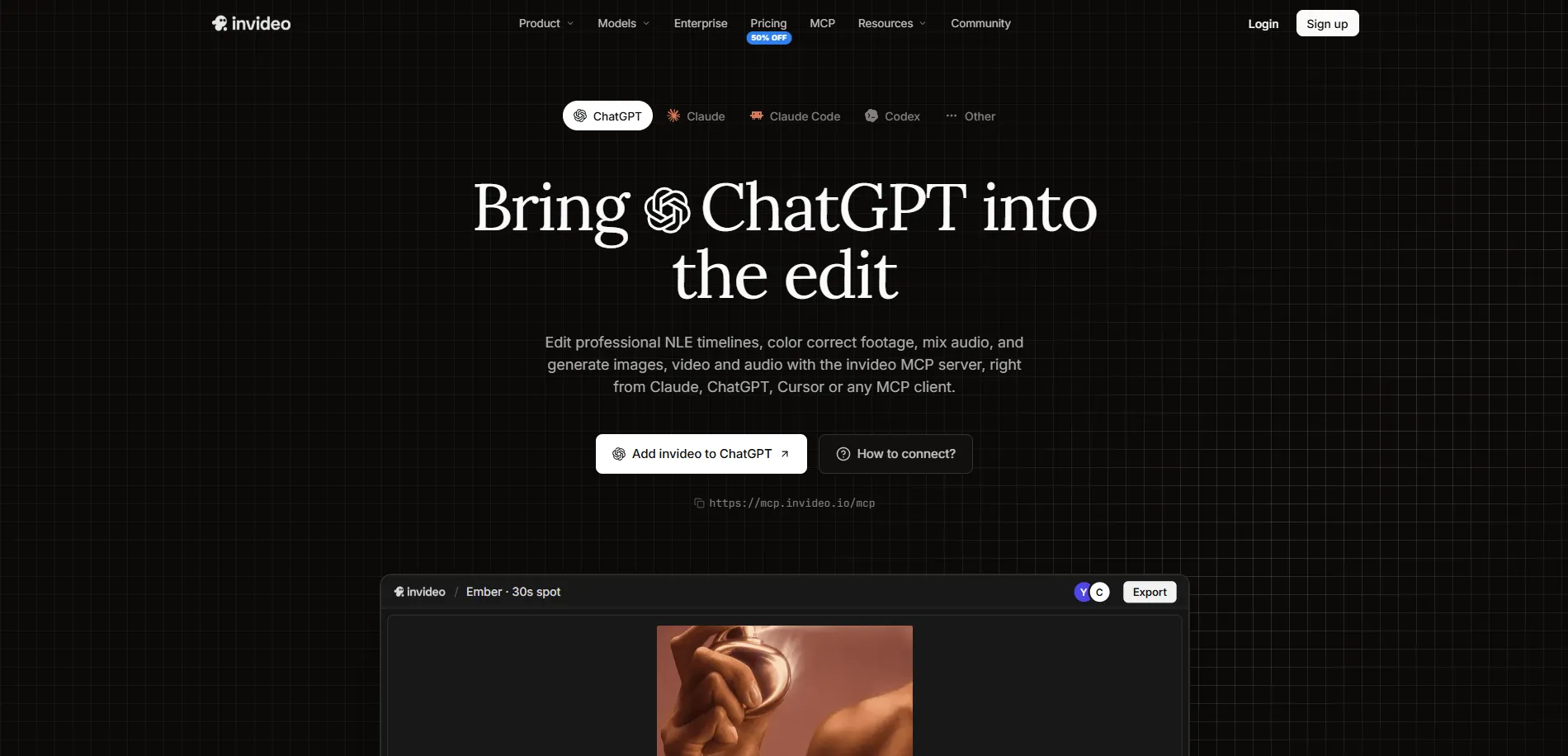
Invideo editor is a free, browser-based video editor that uses AI agents to help with editing work. You can upload raw footage and give an AI agent simple instructions to review clips, select the best takes, remove mistakes and arrange the footage into an initial video.
Through the invideo MCP, you can connect ChatGPT or Claude directly to invideo editor. Once connected, you can ask the assistant to create a new video or work on an existing project. It can follow your instructions to cut footage, add titles, create captions, adjust sound and make other changes directly on the editing timeline.
You can also watch the AI agent make changes in real time through its own named cursor and open the project to review the edits. If something needs changing, simply tell ChatGPT or Claude what to adjust, or make the changes yourself. Once finished, you can export the video or an editable project for Premiere Pro, Final Cut Pro or DaVinci Resolve.
Best for: Creators, filmmakers and editors who want AI to handle repetitive editing work while they stay in control of the final video.
2. Descript (Best for Podcasts and Talking-Head Videos)
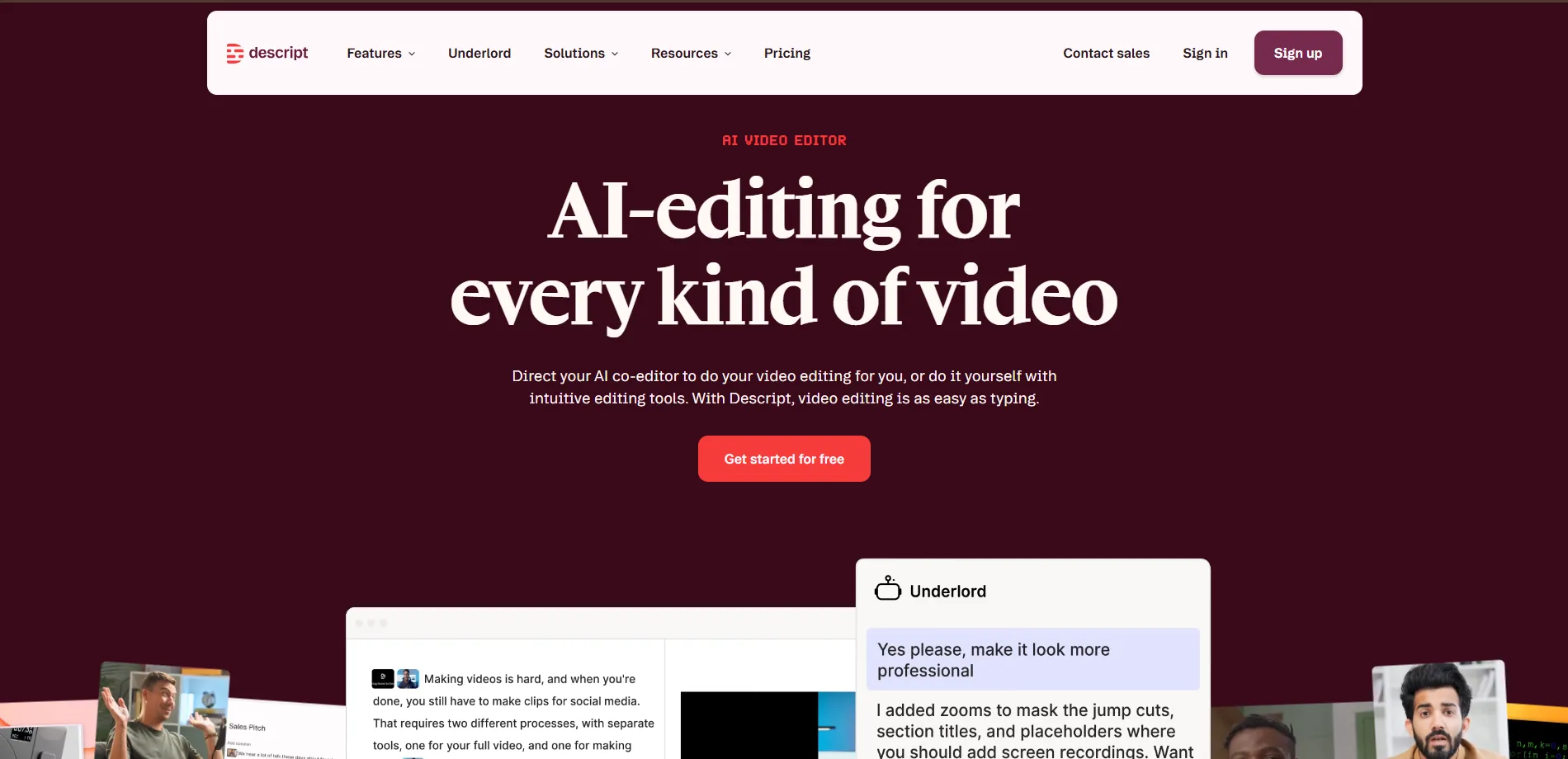
Descript is a video and audio editor that makes editing easier by turning recordings into text. Instead of searching through a long recording to find a particular sentence, users can work with its transcript and edit the video by changing the text. It is especially useful for podcasts, interviews, webinars, tutorials and other videos where people speak directly to the camera.
Descript connects with ChatGPT and Claude through its MCP integration. Once connected, users can ask an AI assistant to import media, edit a recording, remove filler words, add captions or find short clips from a longer video. The assistant sends the editing instructions to Descript, where the changes are made in the user's project. Users can then open the project in Descript to review and refine the result.
The tool also includes features for cleaning up voice recordings, improving sound quality, adding subtitles and creating short clips for social media. Its text-based editing approach can save time when working with speech-heavy content. However, it is more focused on spoken content than on complex visual editing projects.
Best for: Podcasters, interviewers, educators and creators who regularly edit videos with spoken content.
3. Eddie AI (Best for Interview Videos)
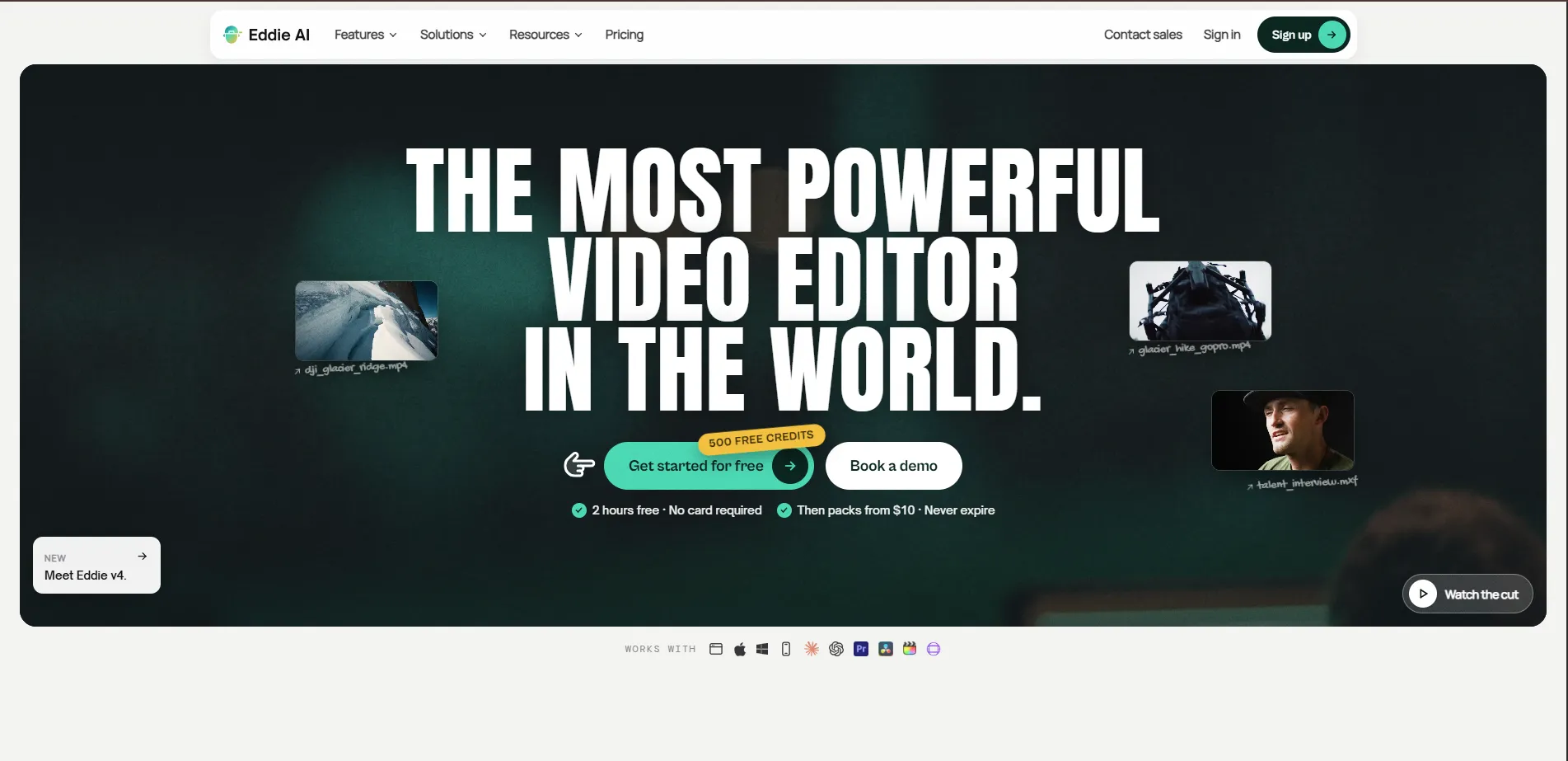
Eddie AI is an AI video editor designed to help editors turn raw footage into an organised first cut. Users can import recordings, describe the type of video they want and let Eddie find useful moments from the footage. It is particularly helpful for interviews, documentaries, podcasts, corporate videos and other projects that involve long recordings.
Eddie connects with ChatGPT and Claude through MCP. After importing footage into Eddie, users can connect their AI assistant and ask it to find specific moments, select strong answers, remove unnecessary pauses or create a shorter version of an interview. The assistant sends these instructions to Eddie, which works with the footage and creates an edit in the project. The footage needs to be imported into Eddie first; it cannot be uploaded directly from the chat.
Eddie can also add captions, create short clips, organise footage and prepare projects for other editing software. Users can review the cut and export it to Premiere Pro, Final Cut Pro or DaVinci Resolve, or render it as an MP4. This makes it useful for editors who want to speed up the early stages of editing before completing the final work in their preferred software.
Best for: Video editors, production teams and creators who work with interviews, documentaries and long-form recordings.
4. Shotstack (Best for Automated Video Creation)
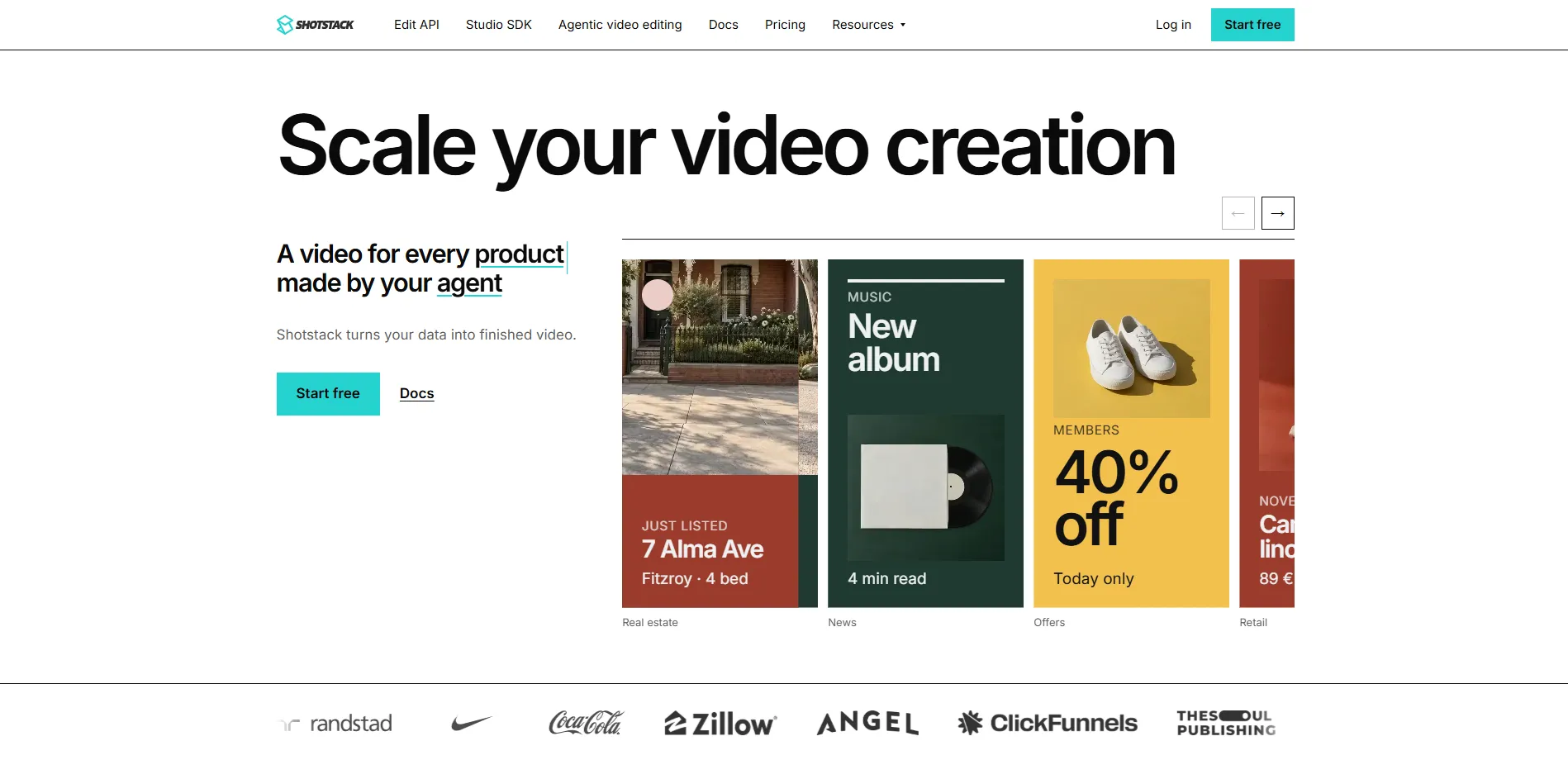
Shotstack is a cloud-based video editing platform designed for creating and rendering videos through software and automated workflows. Instead of editing every video manually, users can create a video structure with clips, text, images, audio and effects. This makes it useful for businesses and developers who need to produce many videos using similar layouts or templates.
Shotstack offers an MCP server that connects with AI assistants such as ChatGPT and Claude. After connecting it, users can describe the video they want to create, and the assistant can prepare the edit using Shotstack's tools. It can then show a preview through Shotstack Studio, where users can review and adjust the result before exporting it.
The platform is especially useful for repeatable video production, such as product videos, promotional content, personalised videos and social media assets. It also provides APIs and other tools for connecting video creation to websites, apps and business workflows. Unlike a traditional editor focused on hands-on creative work, Shotstack is more suitable for automated production at scale.
Best for: Developers, businesses and teams that need to create large numbers of videos through automated workflows.
5. Selects (Best for Finding Clips and Preparing First Cuts)
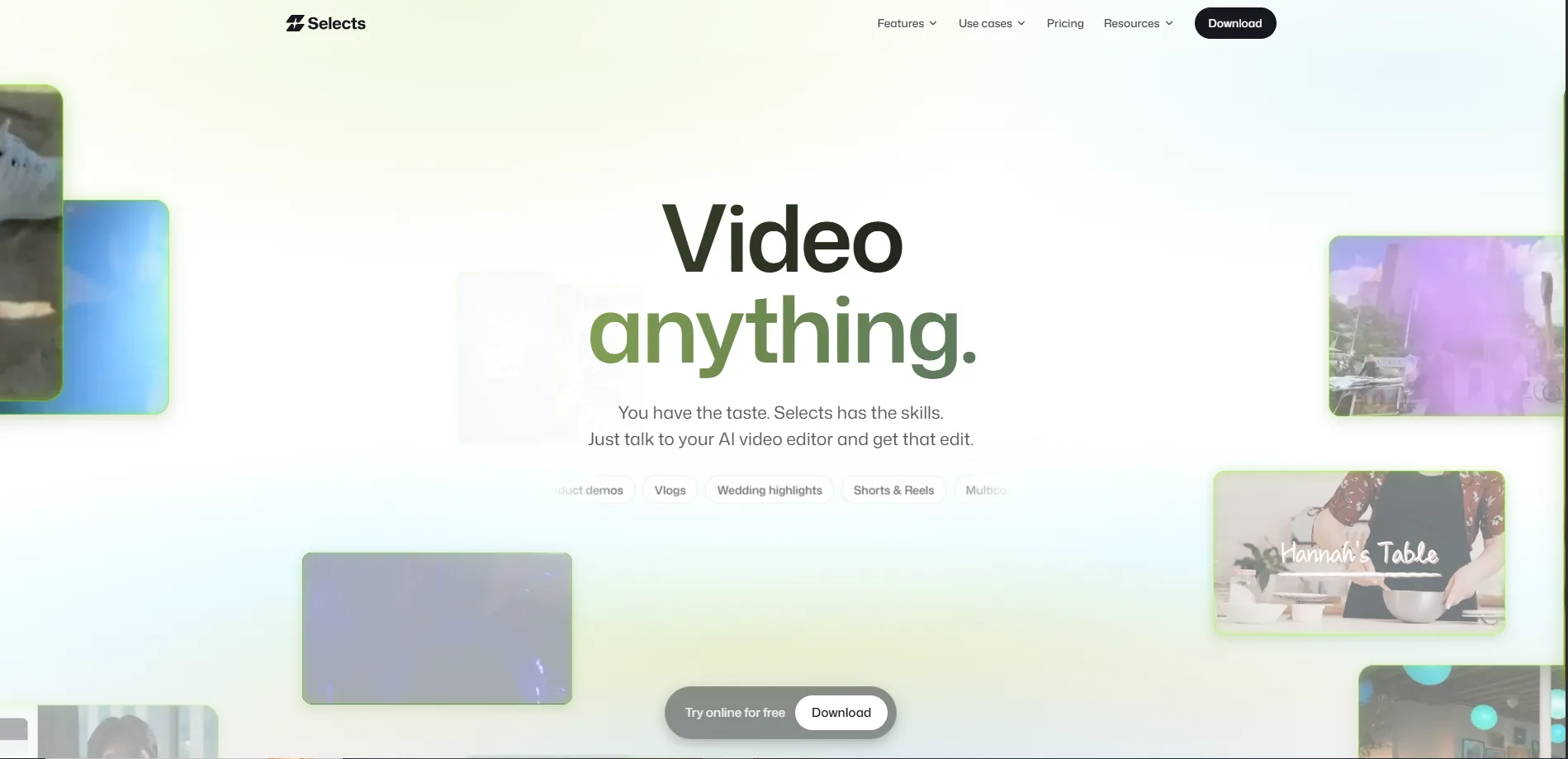
Selects is a video editing tool that helps organise and prepare raw footage before it moves into a professional editing program. It analyses video and audio, identifies speakers and scenes, and helps editors find useful moments without watching every recording from beginning to end. It is particularly useful for podcasts, interviews, events and multicamera recordings.
Selects connects with AI agents such as Claude Desktop, Claude Code and Codex through MCP. Once connected, users can ask an agent to search their footage, find specific topics, remove unnecessary sections or create a first cut. Selects uses its footage analysis to help the agent make more accurate editing decisions. The desktop app needs to remain open while the agent works.
After preparing the footage, users can review the edit on a timeline and continue making changes. Selects can also organise camera angles, remove long pauses, create shorter clips and prepare projects for Premiere Pro, Final Cut Pro or DaVinci Resolve. It is more focused on footage preparation and first cuts than on replacing a complete professional editing workflow.
Best for: Editors and creators who work with long recordings, multiple camera angles and large amounts of raw footage.
6. DaVinci Resolve Studio (Best for Professional Video)
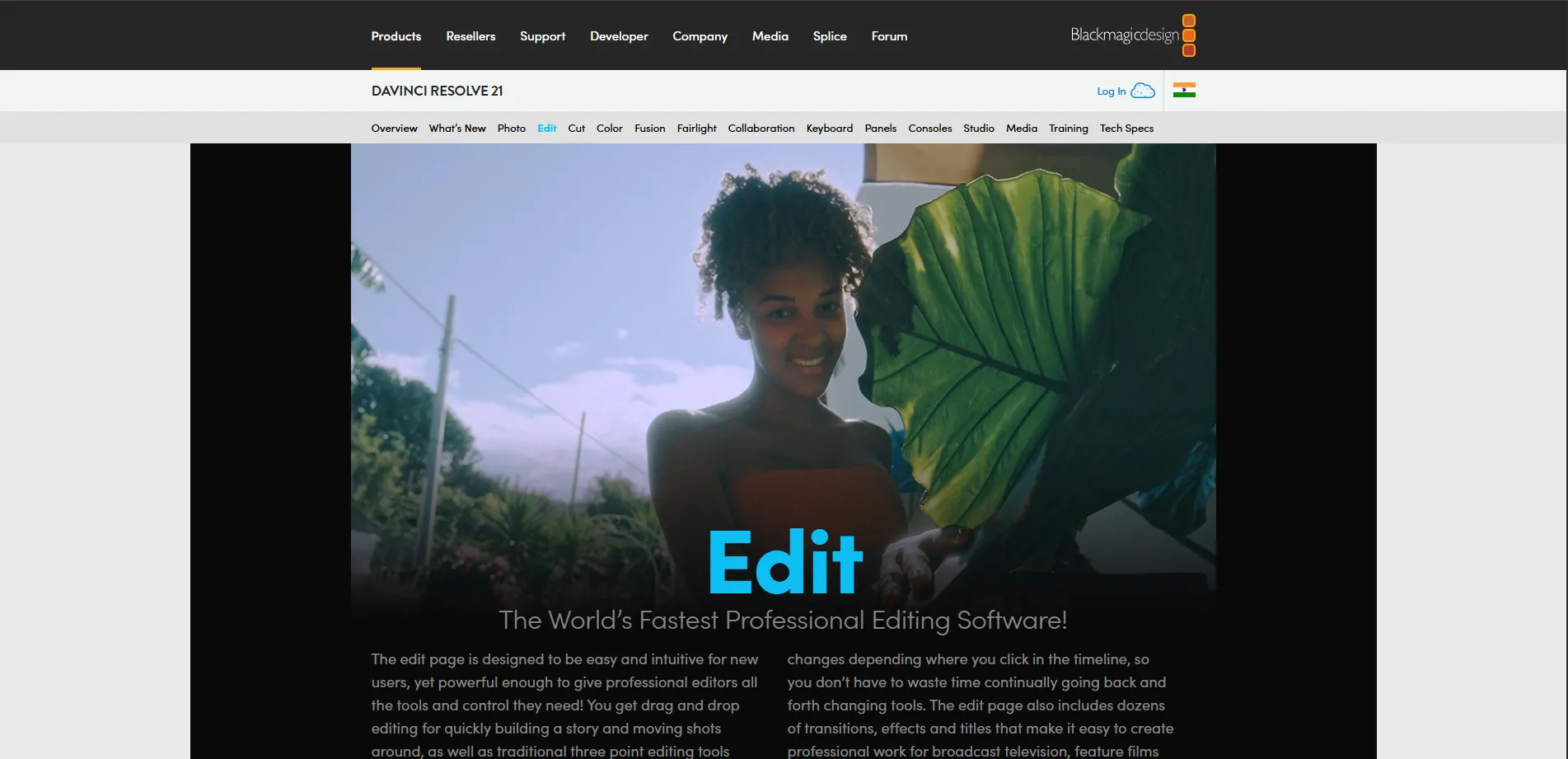
DaVinci Resolve is a professional video editing program used for video editing, colour correction, visual effects and audio work. It brings different parts of post-production into one application, making it suitable for everything from YouTube videos to commercials, documentaries and film projects. Its advanced tools give editors detailed control over the look and sound of their videos.
DaVinci Resolve 21.1 introduced support for AI assistants such as Claude, Claude Code and ChatGPT Codex. This allows users to give instructions for supported tasks, including organising media, analysing projects, adjusting settings and batch rendering. The assistant integration is available in DaVinci Resolve Studio, so users should check the edition and setup requirements before choosing it for an AI-assisted workflow.
The software also offers advanced colour tools, audio editing, visual effects and multicamera editing features. This makes it a strong choice for editors who need more control over the final result. However, it has a wider range of professional tools to learn, so beginners may find it more challenging than simpler AI-assisted editors.
Best for: Professional editors and production teams who need advanced editing, colour and audio tools alongside supported AI-assisted workflows.
7. Adobe for ChatGPT (Best for Quick Creative Tasks)
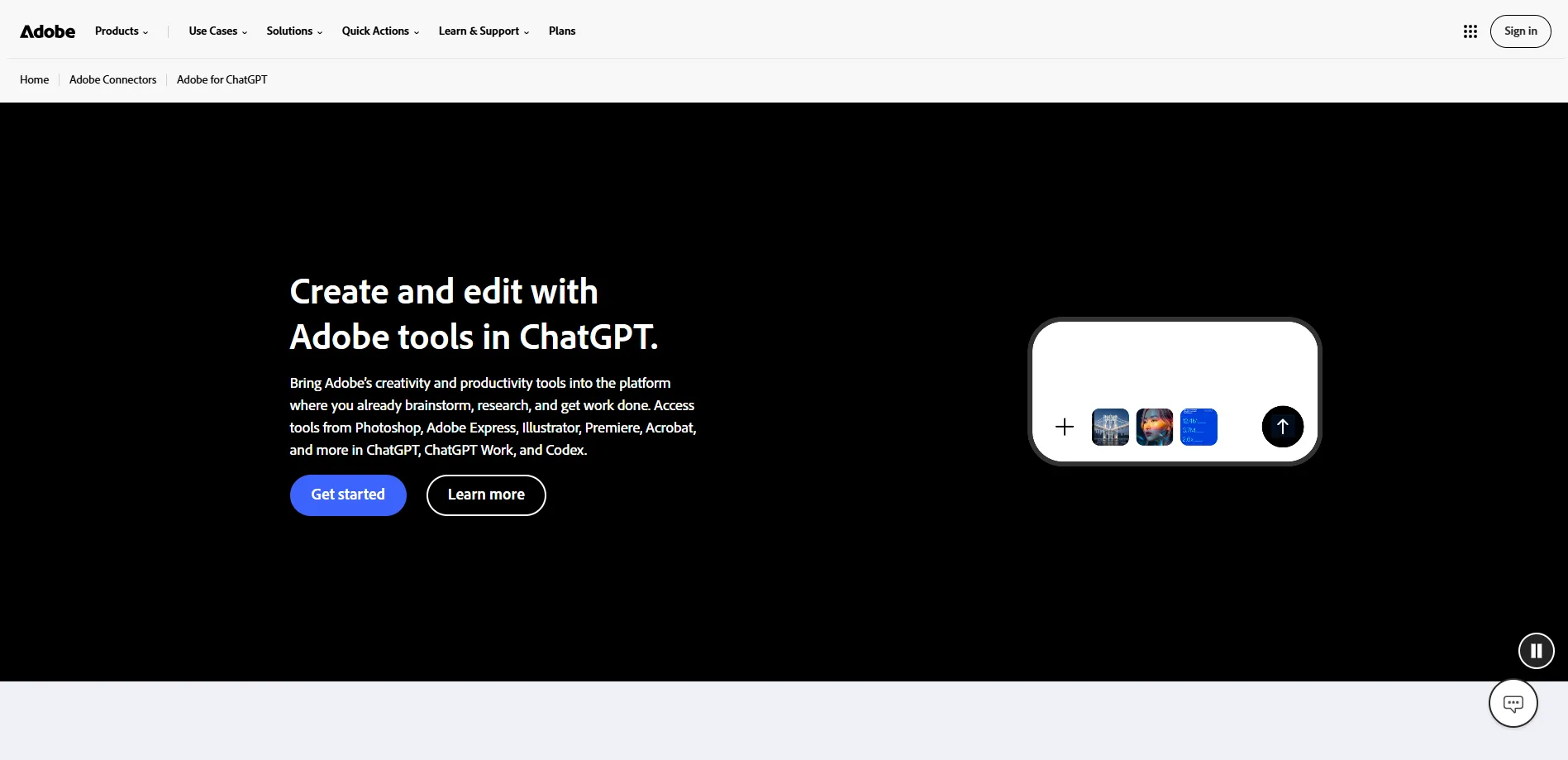
Adobe for ChatGPT brings selected Adobe creative tools into ChatGPT conversations. It gives users a way to work with supported Adobe features without switching between several applications for every small task. Depending on the feature, users can create or edit images, prepare social media content, work with documents and make changes to video assets.
Users can describe what they want in ChatGPT, and the connected Adobe tools can help carry out supported creative tasks. For example, they can ask for help resizing a video for a different platform, preparing a visual asset or making changes to an image. This connection is designed for ChatGPT; it should not be treated as a general Claude-compatible video editing MCP.
Adobe for ChatGPT is useful for quick creative work, especially for people who already use Adobe products. However, it is different from connecting a complete video editor to an AI assistant. For detailed timeline editing, users may still need to work directly in Premiere Pro or another dedicated editing application.
Best for: Marketers, designers and creators who want to handle quick creative tasks through ChatGPT and Adobe tools.
How to Choose the Right AI Video Editing Tool
The best tool depends on the type of videos you create and how much editing control you need. Before choosing one, consider these points:
- For complete AI-assisted editing: Choose invideo editor if you want an AI agent to work directly on an editable timeline while you review and guide the changes.
- For podcasts and interviews: Descript is a useful option if most of your editing involves spoken content, transcripts and captions.
- For rough cuts: Eddie AI can help you review long recordings and prepare an initial edit before moving to professional editing software.
- For automated video production: Shotstack is worth considering if you need to create videos repeatedly using templates and workflows.
- For organising raw footage: Selects can help find useful moments and prepare footage before the main editing process.
- For advanced post-production: DaVinci Resolve Studio is suitable for editors who need detailed control over colour, sound and visual effects.
- For quick creative tasks: Adobe for ChatGPT can help with supported image, design and video-related tasks inside ChatGPT.
It is also important to look at how each tool connects to your AI assistant. Some offer a direct connection through an app or MCP server, while others need a desktop application or additional setup. Check the supported assistants, account requirements and available features before starting.
Frequently Asked Questions
Can ChatGPT edit videos?
Yes. ChatGPT can help edit videos when connected to a compatible video editor or service. Through an MCP connection, it can send instructions to supported tools to perform tasks such as arranging clips, trimming footage, adding captions and preparing edits. The available features depend on the connected editor.
Can Claude edit videos?
Yes. Claude can work with video editing tools that provide a compatible connection, such as MCP. For example, it can send editing instructions to invideo editor, Descript or Eddie AI. These tools handle the actual editing work while Claude helps understand and carry out the instructions.
What is MCP in video editing?
MCP stands for Model Context Protocol. It is a standard that allows AI assistants to connect with external applications and use their tools. In video editing, it allows an assistant such as ChatGPT or Claude to communicate with a connected editor and perform supported editing tasks through instructions.
Which AI video editor works with both ChatGPT and Claude?
Several tools offer connections for both ChatGPT and Claude, including invideo editor, Descript, Eddie AI and Shotstack. Their features and setup requirements differ, so the right choice depends on whether you need a full editing timeline, podcast editing, rough cuts or automated video production.
Can AI completely replace a video editor?
AI can take care of many repetitive editing tasks, such as reviewing footage, removing pauses, finding clips and preparing first cuts. However, creative decisions such as storytelling, pacing and the overall look of a video still need human direction. AI works best as an assistant that saves time while the editor stays in control.
Conclusion
AI assistants are making video editing more flexible by allowing creators to give instructions through chat and let connected tools handle parts of the editing process. From preparing rough cuts and editing podcasts to creating videos automatically, each tool offers a different way to save time.
For creators who want an AI assistant to work directly on a professional editing timeline, invideo Editor is a strong overall choice. Its connection with ChatGPT, Claude and other supported agents lets users assign editing tasks, watch the changes happen and continue refining the project themselves. Other tools may be a better fit for specific needs, but the right choice ultimately depends on your footage, editing style and workflow.