🪄 AI Summary
Heading 1
Heading 2
Heading 3
Heading 4
Heading 5
Heading 6
Lorem ipsum dolor sit amet, consectetur adipiscing elit, sed do eiusmod tempor incididunt ut labore et dolore magna aliqua. Ut enim ad minim veniam, quis nostrud exercitation ullamco laboris nisi ut aliquip ex ea commodo consequat. Duis aute irure dolor in reprehenderit in voluptate velit esse cillum dolore eu fugiat nulla pariatur.
Block quote
Ordered list
- Item 1
- Item 2
- Item 3
Unordered list
- Item A
- Item B
- Item C
Bold text
Emphasis
Superscript
Subscript
Recording is the easy part.
Most B2B founders figure out how to hit record within a day. The part that slows people down, the part that creates the most friction in a content system, is editing. A 45-minute raw recording does not turn itself into a clean, publishable episode. Someone has to make that happen.
The good news is that editing tools have improved dramatically. What used to require a professional audio engineer and expensive software can now be done by a non-technical founder in a browser, sometimes in under 30 minutes.
But the tool landscape is noisy. Some tools are built for music production and happen to work for podcasts. Some are built specifically for podcasters. Some use AI to do the heavy lifting. Some require you to understand audio terminology. Some do not.
This blog cuts through that. We cover 8 podcast editing tools — 4 free and 4 paid — evaluated specifically for B2B founders and marketers who need clean, consistent audio output without hiring a production team.
If you are still looking for the right recording tool, we have curated that in our previous blog: 5 Best Free Podcast Recording Software in 2026. This blog picks up exactly where that one ends.
Quick Comparison
1. Audacity: Best Free DAW for Podcast Editing
Audacity is the most capable free editing tool on this list. It is a full Digital Audio Workstation that handles everything from basic cuts and trims to multi-track editing, noise reduction, normalisation, and export. Nothing is locked behind a paywall. Nothing expires. It is completely free, forever.
For a B2B founder who wants complete control over their audio without spending anything, Audacity is the most powerful option available. The trade-off is a learning curve. The interface is not intuitive for first-time users. But once you understand the basics, it is fast and reliable.
It also doubles as a recording tool, which means if you are already using Audacity to record, your editing workflow stays in the same environment with no file import needed.
Key Features: Multi-track editing, noise reduction, normalisation, silence removal, compressor, EQ, plugin support, export to MP3, WAV, FLAC and more.
Best For: Solo B2B founders who want maximum control and zero cost. Also the best choice if you are already using Audacity to record.
Honest Limitation: The interface is dated and the learning curve is real. There is no AI assistance, no text-based editing, and no video support.
Pricing: Completely free. Open source. No trial periods, no watermarks, no feature limits.
Pro Tip: Learn three things in Audacity and you will cover 90% of what podcast editing requires: noise reduction, the compressor, and normalisation. Master those three in sequence and your episodes will sound professional before you touch anything else.
2. GarageBand: Best Free Editor for Apple Users
GarageBand is the most underrated free editing tool for podcast production. It is pre-installed on every Mac and iPhone, it has a genuinely intuitive interface, and the audio quality output is professional grade. Most people associate it with music. It is also an excellent podcast editing environment.
For Apple users, the case is straightforward. The software is already on your machine. The voice presets sound good out of the box. The drag-and-drop workflow is easy to learn. And the iCloud sync between iPhone and Mac means you can start a rough edit on your phone and finish it on your desktop.
Where Audacity gives you more raw power, GarageBand gives you more speed for less technical overhead. For B2B founders who want to move fast without sacrificing quality, that trade-off often makes more sense.
Key Features: Drag-and-drop editing, voice enhancement presets, Smart Controls for EQ and compression, multi-track support, iCloud sync, and seamless export to standard audio formats.
Best For: Apple users who want a fast, clean editing workflow with professional output and zero cost.
Honest Limitation: Exclusively available on Apple devices. Not an option for Windows or Android users.
Pricing: Free. Pre-installed on Mac and iOS. No separate download required.
Pro Tip: Use the Podcast preset in GarageBand's Smart Controls before you start editing. It applies voice-optimised EQ and compression in one click. Pair it with a noise gate setting and your raw recordings will sound significantly cleaner without manual adjustments.
3. Descript: Best AI-Powered Text-Based Editor
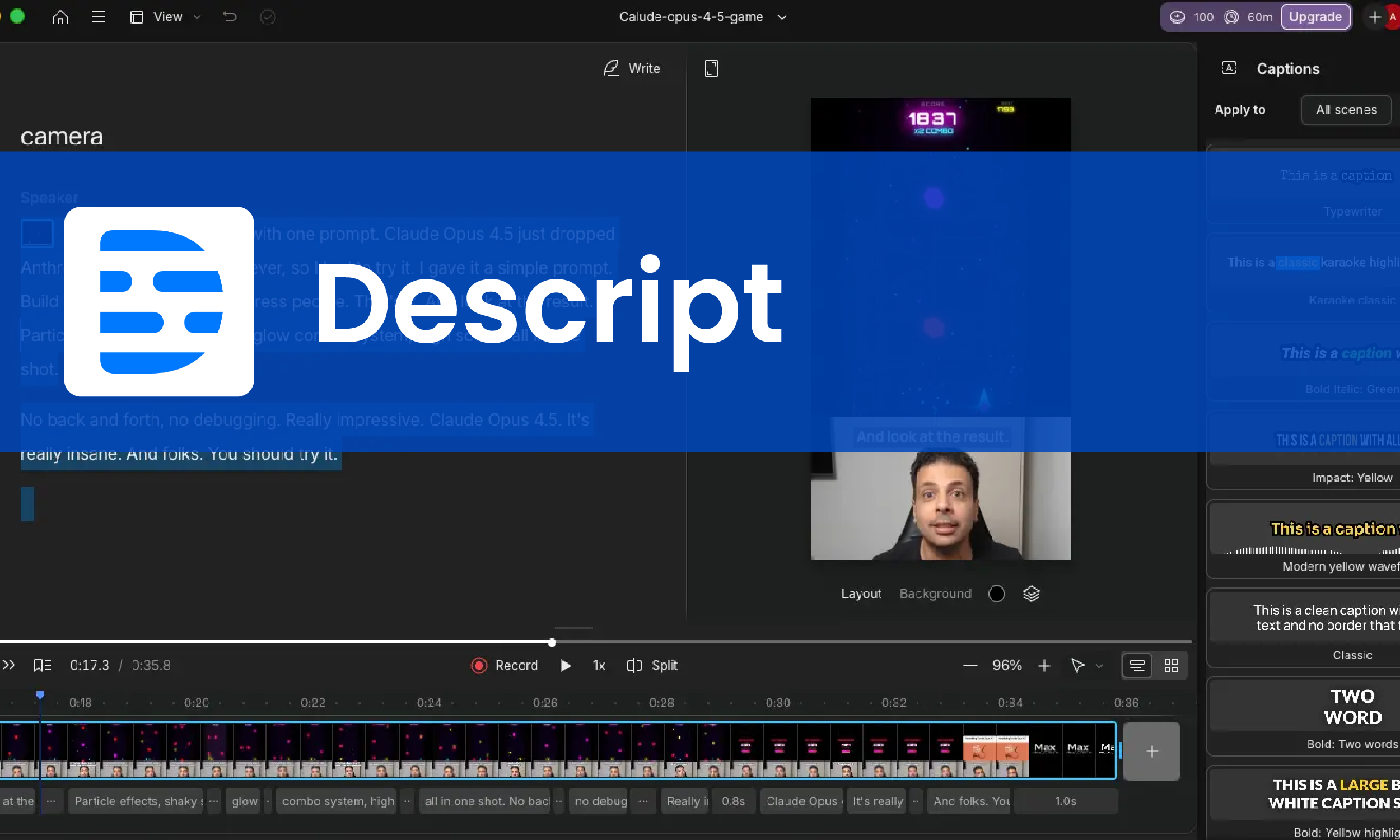
Descript changed the way people think about podcast editing. Instead of working with audio waveforms on a timeline, you edit a text transcript. Delete a sentence from the transcript and that audio disappears from the recording. Add text and Descript generates the audio using your voice clone. It is a fundamentally different approach to editing that removes most of the technical friction.
For B2B founders who are not comfortable with traditional audio software, Descript is often the first tool that makes editing feel manageable. The AI Studio Sound feature also cleans up poor-quality audio automatically, which means even recordings made on a laptop microphone can come out sounding significantly better.
The free tier gives you enough to test the workflow properly before committing. One hour of transcription per month is limited, but it is enough to edit one or two full episodes and understand whether the text-based approach works for you.
Key Features: Text-based audio and video editing, AI Studio Sound for noise removal, automatic filler word detection and removal, screen recording, overdub voice cloning, and basic team collaboration.
Best For: B2B founders who dislike traditional timeline editing and want to edit their podcast the same way they edit a document. Also excellent for anyone producing both audio and video from a single recording session.
Honest Limitation: Free plan caps transcription at 1 hour per month and limits video exports to 720p with a watermark. The AI features that make Descript genuinely powerful — Studio Sound, Overdub, and collaboration — require a paid plan.
Pricing: Free tier available. Paid plans start from approximately $12 per month. Check descript.com for current pricing.
Pro Tip: Use Descript specifically for the editing phase, not the recording phase. Record clean, separate tracks using Riverside.fm or Cleanfeed, then import into Descript to edit by text. This gives you the cleanest input for Descript to work with and stretches your free transcription hours further.
4. Podcastle: Best Browser-Based Editor for Beginners
Podcastle is built for people who have never edited audio before and do not want to learn complex software. It runs entirely in a browser, has a clean and simple interface, and handles the most common editing tasks without requiring any technical knowledge. For a B2B founder publishing their first few episodes, it removes every barrier to getting started.
Beyond basic editing, Podcastle has a solid set of AI features on its paid tiers — including AI voice enhancement, a magic dust tool that cleans up background noise in one click, and the ability to transcribe and repurpose episodes into text content. The free tier is genuinely usable, though export quality is limited to standard resolution.
It is not the tool you build a long-term professional production workflow around. But it is the easiest on-ramp to consistent podcast publishing for someone who is starting from zero.
Key Features: Browser-based recording and editing, AI noise reduction, automatic transcription, multi-track support, remote interview recording, and one-click audio enhancement.
Best For: Complete beginners who want to publish clean audio quickly without learning complex software or installing anything.
Honest Limitation: Free tier limits export quality and access to AI features. The editing capabilities are less comprehensive than Audacity or Descript for advanced use cases.
Pricing: Free tier available. Paid plans start from approximately $14 per month. Check podcastle.ai for current pricing.
Pro Tip: Use Podcastle to publish your first five episodes and build the habit of consistent recording. Once you are publishing regularly and the format feels right, invest time in learning Descript or Audacity for more control over the final product.
5. Adobe Audition: Best Professional-Grade Editor
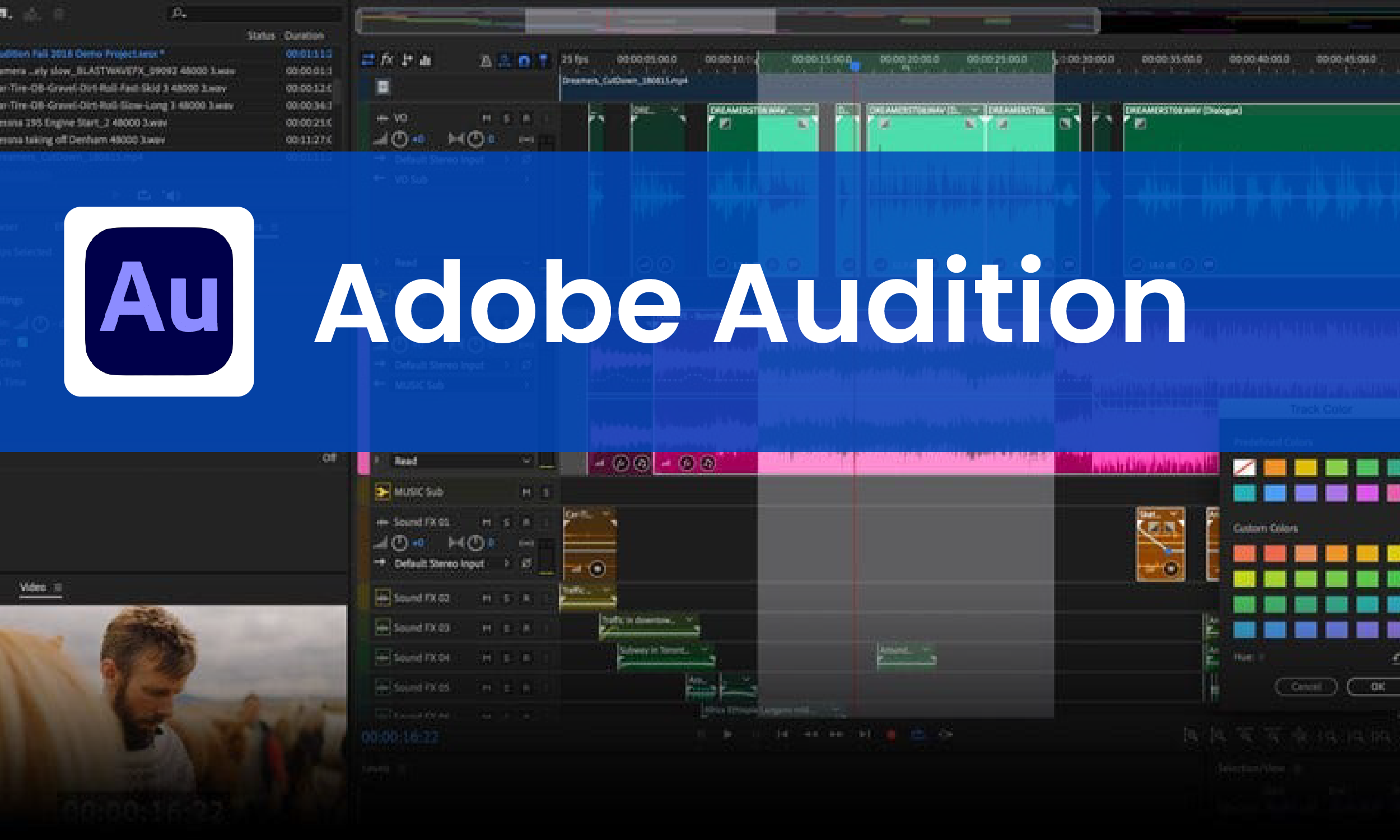
Adobe Audition is the industry standard for professional audio editing. It is used by broadcasters, film studios, and professional podcast production teams who need the highest level of control over every aspect of their audio. If you are familiar with other Adobe products, the interface will feel familiar. If you are not, there is a learning curve, but the depth of what is possible justifies the investment for serious operations.
For B2B companies running a high-production podcast as a core demand generation channel, Adobe Audition provides tools that simply do not exist in free software. The spectral frequency display lets you identify and remove specific sounds with surgical precision. The automatic speech alignment tool syncs audio that was recorded across multiple devices. The batch processing capability handles entire seasons of audio in one operation.
It is not the right tool for someone publishing their first ten episodes. It is the right tool for a B2B brand that treats its podcast like a media property.
Key Features: Spectral frequency editing, automatic speech alignment, noise reduction, multitrack mixing, batch processing, podcast loudness standards compliance, and full Adobe Creative Cloud integration.
Best For: B2B companies with a dedicated content team running a high-production podcast as a core part of their marketing strategy.
Honest Limitation: The price point is significant and the learning curve is steep. It is over-engineered for most solo founders or small teams.
Pricing: Available as part of Adobe Creative Cloud. Plans start from approximately $54.99 per month. A 30-day free trial is available. Check adobe.com for current pricing.
Pro Tip: If you are considering Adobe Audition, first trial it for 30 days and test specifically the Adaptive Noise Reduction and Auto Heal tools. Those two features alone often justify the cost for teams producing high-volume audio content.
6. Hindenburg Journalist: Best Podcast-Specific Editor
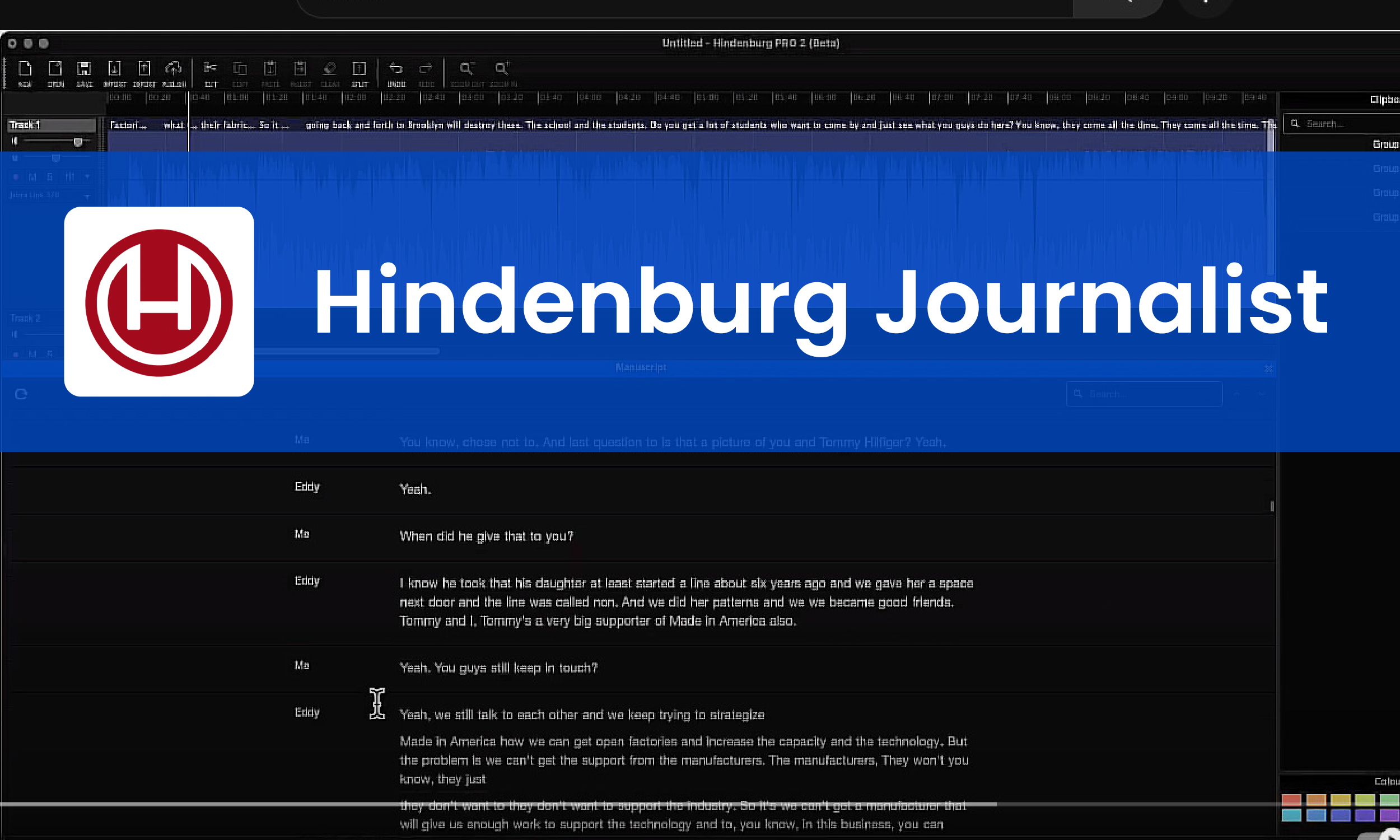
Most audio editing software is built for music production first and adapted for podcasting second. Hindenburg Journalist is different. It was designed from the ground up specifically for spoken word content - journalism, radio, and podcasting. Every feature in the software exists to serve the workflow of someone editing voice recordings, not music.
The automatic levelling feature is one of the most useful things in podcast editing. It analyses your audio and sets consistent volume levels across all speakers automatically, removing one of the most tedious manual tasks in post-production. The voice profiling tool applies the right EQ and compression for each individual speaker based on their voice characteristics.
For B2B founders who record multi-guest interviews and spend significant time manually levelling audio between speakers, Hindenburg removes that bottleneck entirely.
Key Features: Automatic voice levelling, voice profiling per speaker, built-in loudness standards for major platforms, seamless clip editing, direct publishing to podcast hosts, and a clean purpose-built interface.
Best For: B2B podcast producers who regularly edit multi-speaker interviews and want tools built specifically for spoken word content rather than music production.
Honest Limitation: Less powerful than Adobe Audition for complex audio engineering tasks. Not the right choice if you also need video editing in the same tool.
Pricing: Plans start from approximately $12 per month. A 30-day free trial is available. Check hindenburg.com for current pricing.
Pro Tip: Run Hindenburg's automatic levelling on your raw multi-speaker recording before you do anything else. It will balance the volume across all speakers in seconds and save you 20 to 30 minutes of manual work on every episode.
7. Alitu: Most Automated Podcast Editor
Alitu is built around a single idea: remove as much manual work from podcast production as possible. It handles audio cleanup, editing, music, and publishing in one automated workflow. You upload your raw recording, Alitu cleans it up, you make basic edits using a simple clip-based interface, and it publishes directly to your podcast host.
For a B2B founder who wants a consistent, professional-sounding podcast without spending hours in post-production, Alitu is the most efficient path available. It is not the most powerful tool on this list. But power is not always what you need. Sometimes what you need is a system that produces consistent output with the least amount of friction.
The cost is higher than some alternatives, but the time it saves in production typically justifies it quickly for founders who value their hours.
Key Features: Automatic audio cleanup, noise reduction, volume levelling, episode builder with drag-and-drop clips, built-in music library, transcript generation, and direct publishing to major podcast platforms.
Best For: B2B founders who want to publish a consistent podcast without spending significant time in post-production. Best suited for founders who treat their podcast as a business development tool rather than a media production project.
Honest Limitation: Less control over fine-grained audio adjustments compared to Audacity or Adobe Audition. The automated approach means you trade precision for speed.
Pricing: Plans start from approximately $38 per month. A 7-day free trial is available. Check alitu.com for current pricing.
Pro Tip: Use Alitu if consistency is more important to you than perfection. A published episode that sounds good is infinitely more valuable than a perfect episode that never gets released because editing took too long. Alitu optimises for the former.
8. Reaper: Best Professional DAW on a Budget
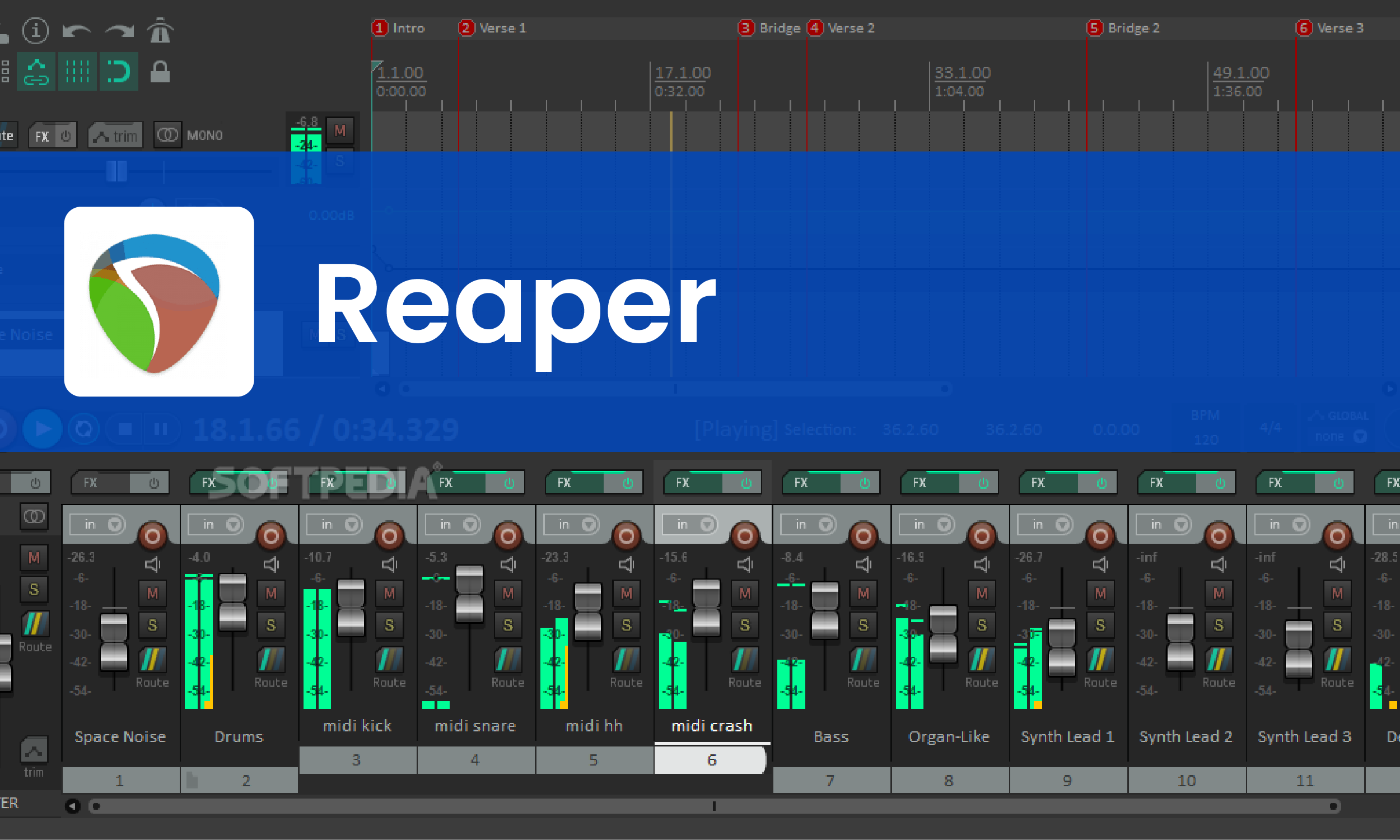
Reaper is the professional DAW that the audio engineering community has quietly used for years. It is comparable to Adobe Audition in terms of raw capability — multi-track editing, full plugin support, spectral editing, batch processing, and complete customisation of the interface and workflow. The difference is the price. A discounted personal licence for Reaper costs approximately $60, paid once, with no subscription.
For a B2B founder or small team that wants professional-grade editing capability without a recurring monthly cost, Reaper is one of the most compelling options on the market. The 60-day free trial is also genuinely unrestricted - you get the full software with no feature limitations for two months before you are asked to pay.
The interface is dense and the software requires time investment to learn. But for operations that produce high-volume audio content and want full control without paying Adobe prices indefinitely, Reaper makes a strong case.
Key Features: Full multi-track DAW, unlimited tracks and plugins, spectral editing, batch processing, complete workflow customisation, support for VST and AU plugins, and fast performance even on older hardware.
Best For: B2B teams that need professional-grade audio editing capabilities at a one-time cost rather than a recurring subscription.
Honest Limitation: Steep learning curve for non-technical users. The interface rewards investment but can feel overwhelming initially. No built-in AI features.
Pricing: Discounted personal licence at approximately $60, one-time payment. Commercial licence available separately. A 60-day fully unrestricted free trial is available. Check reaper.fm for current pricing.
Pro Tip: Download Reaper and spend two weeks learning just the basics before evaluating whether to buy. Focus on the item editing workflow, routing, and the built-in ReaEQ and ReaComp plugins. Those fundamentals will cover 80% of what podcast editing requires and cost you nothing to trial.
Which Editing Tool Should You Pick?
The right tool depends on where you are in your content journey and what your biggest constraint is - time, money, or technical skill.
Zero budget, maximum control: Audacity
Apple user, fast and simple workflow: GarageBand
Hate timeline editing, want AI assistance: Descript
Complete beginner, just want to publish: Podcastle
Professional production team, high output volume: Adobe Audition
Multi-speaker interviews, spoken word focus: Hindenburg Journalist
Founder-led podcast, least friction possible: Alitu
Professional DAW without a recurring subscription: Reaper
A note worth making: the best editing tool is the one you will actually use consistently. A powerful tool that sits unused because it feels overwhelming is worse than a simple tool you use every single week. Start where you are. Upgrade when the current tool becomes the bottleneck.
Systems Outperform Tools in the Long Run
Most B2B founders spend too much time thinking about tools and not enough time thinking about systems.
A content system is not a recording setup or an editing tool. It is the repeatable process that takes a raw idea from your head to a published piece of content that works for you while you are doing something else. The tool is just one part of that.
Record consistently. Edit efficiently. Distribute intentionally. That sequence, repeated every week, compounds in ways that one-off content never does.
Pick the tool that removes the most friction at your current stage. Build the habit first. Optimise the setup later.
No Time to Edit? No Team to Handle It? That is Exactly What We Do.
At Komet Media, we take your raw podcast recording and handle everything after the mic goes off — editing, cleaning, and repurposing your episode into social media-ready short clips, audio only clips, LinkedIn content, and more. All delivered within 48 hours.
You record. We edit, repurpose, and deliver. Done for you.
Book a Demo Call with one of our experts today or Get a Free Sample Clip in 48 Hours