🪄 AI Summary
Heading 1
Heading 2
Heading 3
Heading 4
Heading 5
Heading 6
Lorem ipsum dolor sit amet, consectetur adipiscing elit, sed do eiusmod tempor incididunt ut labore et dolore magna aliqua. Ut enim ad minim veniam, quis nostrud exercitation ullamco laboris nisi ut aliquip ex ea commodo consequat. Duis aute irure dolor in reprehenderit in voluptate velit esse cillum dolore eu fugiat nulla pariatur.
Block quote
Ordered list
- Item 1
- Item 2
- Item 3
Unordered list
- Item A
- Item B
- Item C
Bold text
Emphasis
Superscript
Subscript
Most B2B founders start their content journey by asking the wrong question.
They ask: What tool should I use? When the real question is: What system am I trying to build?
The tool is not the strategy. The tool is just the vehicle.
That said, the vehicle matters. Choosing the wrong recording software creates friction every single time you sit down to create. And friction kills consistency. And consistency is the only thing that compounds in content.
There is an important distinction worth making upfront. Recording software and editing software are not the same thing. Most roundups mix them together and call them all podcast tools. That is not useful if what you need to do today is sit down, hit record, and capture clean audio.
This guide focuses specifically on recording. Every tool on this list is designed, first and foremost, to capture high-quality audio. Some of them can edit too. But recording is their primary job.
At the end, we have added a short bonus section on editing tools for when you are ready for that next step.
Quick Comparison
1. Audacity: Best for Solo Recording & Editing
.png)
Audacity is the industry standard for free, open-source audio recording. It has been around since 2000 and is still the tool most professional podcasters quietly use when they want complete control without paying for it. It runs on Windows, macOS, and Linux, and every single feature is free with no time limits or watermarks.
It is a full Digital Audio Workstation, which means you can record, clean, cut, and export your audio all in one place. For a solo B2B founder recording thought leadership content from their home office, this is often the only tool you will ever need.
Key Features: Multi-track recording, real-time noise reduction, normalisation, plugin support, export to MP3, WAV, FLAC and more.
Best For: Solo creators who want complete control over their recording and audio quality without spending anything.
One Honest Limitation: The interface looks like it was designed in 2004. Because it largely was. It has a learning curve and there is no native video recording support.
Pro Tip: Start with just two things: noise reduction and normalisation. Run noise reduction first, then normalise to around -1dB. Those two steps alone will make your recordings sound dramatically more professional before you touch anything else.
2. GarageBand: Best for Mac & iOS Users
.png)
If you own an Apple device, GarageBand is already on it. It comes pre-installed on every Mac and iPhone and is one of the most underrated podcast recording tools available. Most people think of it as a music production app. It is also an excellent voice recording environment with professional-grade audio tools built right in.
For B2B founders who are already in the Apple ecosystem, this is the path of least resistance to great-sounding audio. No downloads, no setup, no cost beyond the device you already own.
Key Features: Drag-and-drop recording interface, built-in voice enhancement presets, Smart Controls for quick audio shaping, real-time monitoring, and seamless iCloud sync between iPhone and Mac.
Best For: Apple users who want a polished, professional recording experience with zero friction and zero cost.
One Honest Limitation: GarageBand is exclusive to Apple devices. If your team uses a mix of Mac and Windows machines, it creates a workflow gap that requires workarounds.
Pro Tip: Before you record, open Smart Controls and apply the Voice preset. It adds compression and EQ automatically. For most B2B podcast use cases, that single step is all you need to sound like you recorded in a proper studio.
3. Riverside.fm: Best for Remote Guest Recording
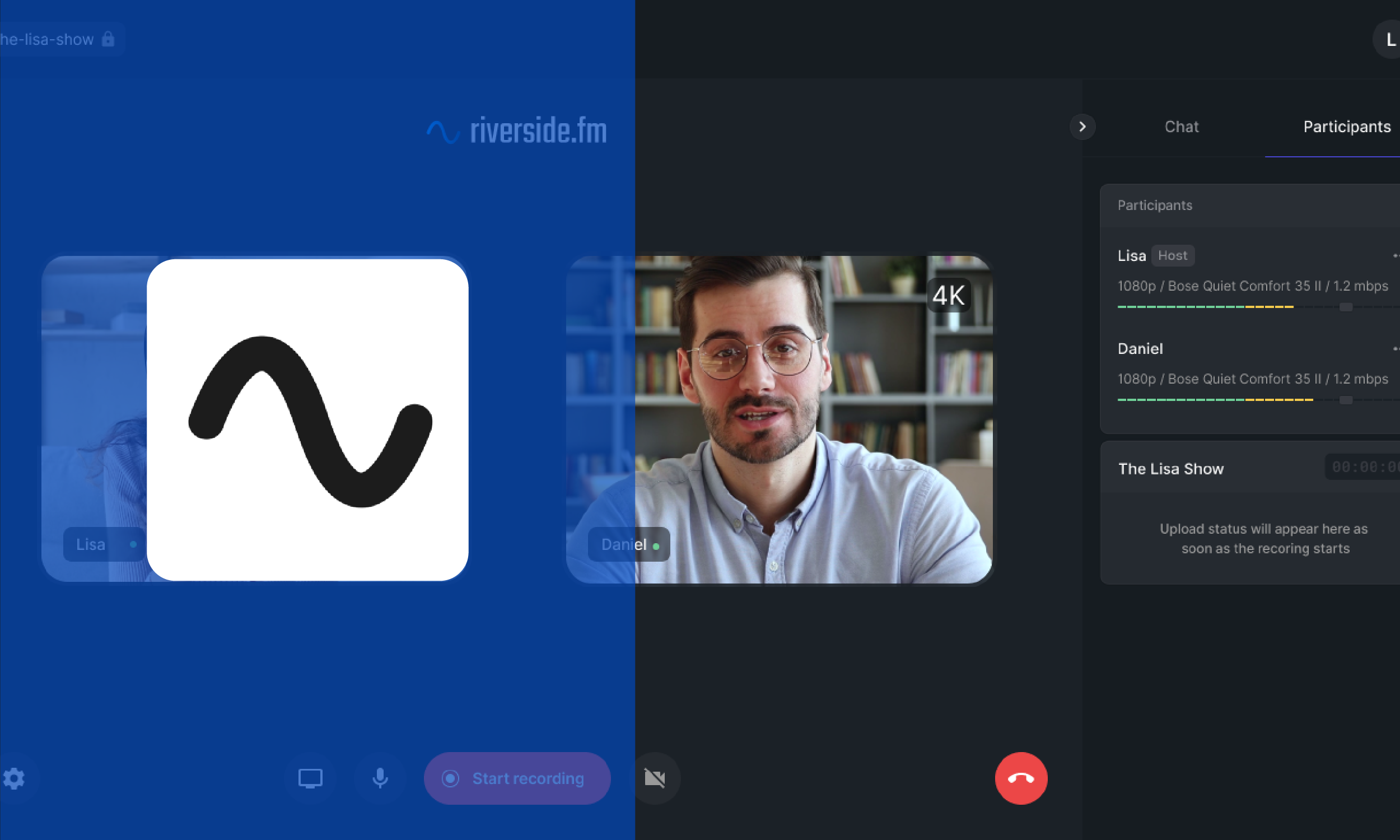
Riverside.fm solves the most frustrating problem in remote podcast recording: bad audio caused by an unstable internet connection. Most remote recording tools stream audio over the internet and hope for the best. Riverside takes a different approach. It records audio locally on each participant's device and uploads the high-quality file after the session ends.
The result is that your guest's audio quality is completely independent of their Wi-Fi. Even if their connection drops during the call, the recording is unaffected. For B2B founders building an interview-based podcast or recording sales conversations, this is a meaningful advantage.
Key Features: Local recording per participant for lossless audio quality, separate tracks for each speaker, clean browser-based interface with no software installation required, and progressive upload that protects recordings even if the session drops.
Best For: B2B founders who regularly record guest interviews and cannot afford to have audio quality ruined by a guest's internet connection.
One Honest Limitation: The free plan includes a one-time allocation of 2 hours of high-quality separate-track recording. After that, you need to upgrade. Video exports on the free tier also carry a watermark.
Pro Tip: Treat your 2 free hours as a credit for your most important recordings. For routine or internal sessions, use Audacity or GarageBand and preserve your Riverside credits for guest interviews where quality directly affects your credibility.
4. OBS Studio: Best for Audio & Video Recording
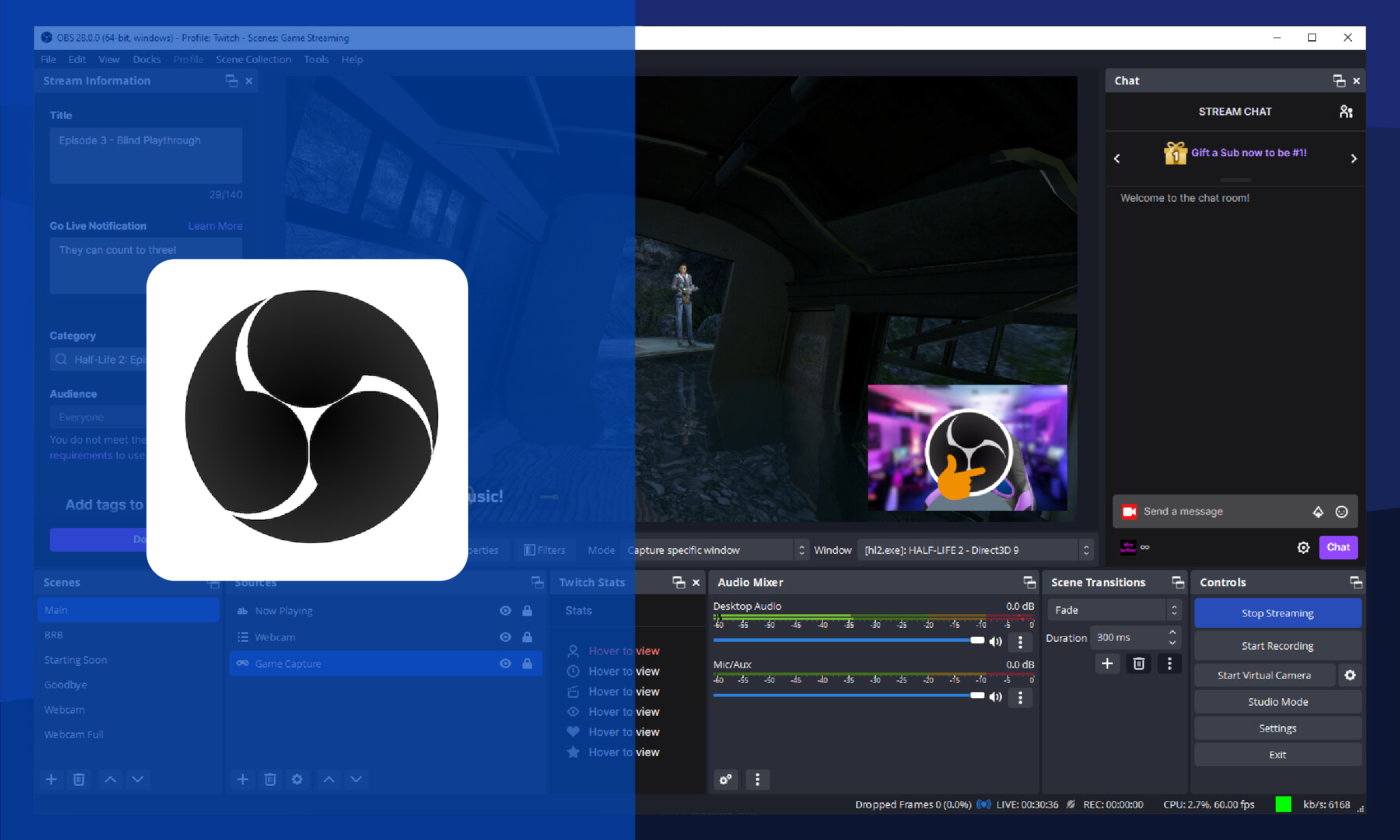
OBS Studio is best known as a live streaming tool, but it is also one of the most powerful free recording tools available for podcast and video content. It records both audio and video simultaneously, making it the go-to choice for B2B founders who want to capture a talking-head video alongside their podcast audio in a single session.
It is completely free, open-source, and has no recording limits, no watermarks, and no feature paywalls. The trade-off is that it requires more initial setup than the other tools on this list. But once configured, it runs reliably and produces broadcast-quality output.
Key Features: Simultaneous audio and video recording, multiple scene and source management, support for multiple microphone inputs, local recording to MP4 or MKV, real-time audio monitoring, and plugin support for noise suppression.
Best For: B2B founders who want to record both a podcast and a video episode from the same session for multi-platform content repurposing.
One Honest Limitation: OBS has a steep initial learning curve compared to the other tools here. The interface is designed for broadcasters and can feel overwhelming for first-time users.
Pro Tip: Use a beginner OBS setup guide before your first session. Specifically, search for a basic podcast recording setup in OBS. You only need to configure it once. After that, it is a single click to start and stop recording every time.
5. Cleanfeed: Best Browser-Based Remote Recording
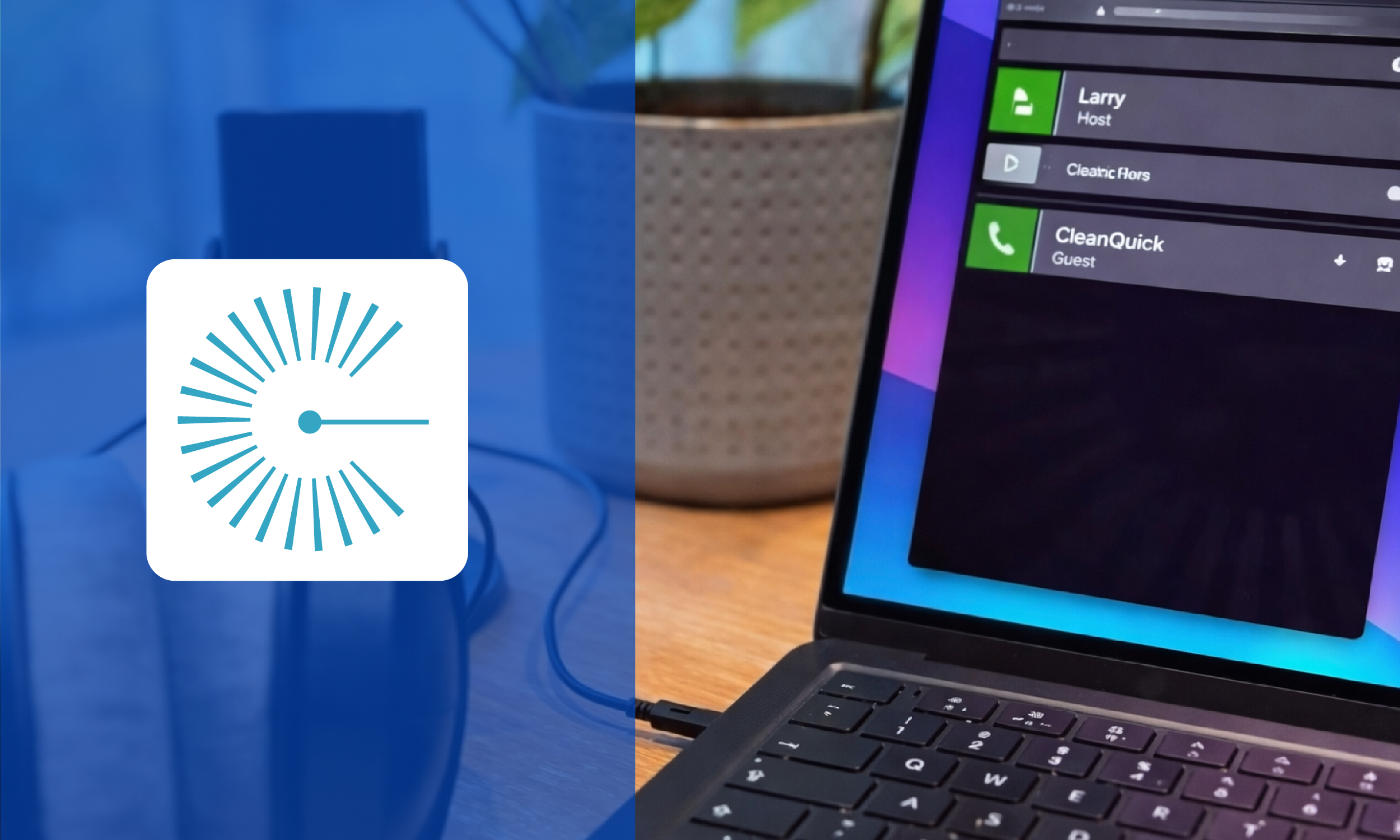
Cleanfeed is built specifically for remote audio recording and nothing else. It runs entirely in a browser, requires no software installation for you or your guests, and delivers studio-quality audio over a standard internet connection using lossless codec technology.
Where Riverside.fm is the better pick for video-plus-audio remote recording, Cleanfeed is the cleaner, simpler choice if you only need high-quality audio from remote guests. It is used by professional radio producers and broadcasters, which tells you something about the quality floor it operates at.
Key Features: Lossless audio recording in a browser, separate audio tracks per participant, real-time monitoring, no app download required for guests, and a clean professional interface built specifically for audio.
Best For: B2B founders and marketers who record remote audio-only interviews and want the simplest possible setup with no friction for guests.
One Honest Limitation: The free plan caps you at 2 hours of recording per month. It also does not support video recording, so if you want a video component, you will need to pair it with OBS or another tool.
Pro Tip: Cleanfeed is the easiest tool for guests. They click a link, allow microphone access, and they are in. No account required, no app to install. If guest experience matters to your show, this is the best remote recording option for audio-only sessions.
Which One Should You Pick?
Stop overthinking this. Here is a simple decision framework based on where you are and how you work.
Solo podcaster on any device: Audacity
Apple user who wants zero setup: GarageBand
Recording remote guests with video: Riverside.fm
Recording audio and video in one session: OBS Studio
Audio-only remote interviews, simplest guest experience: Cleanfeed
If you are just starting out and recording alone, Audacity or GarageBand will take you further than you think. If guest interviews are part of your demand generation strategy, Riverside.fm is worth the setup time. If you want to repurpose content across LinkedIn video, YouTube, and audio from a single recording session, OBS Studio is the most efficient investment of your time.
The tool is not the problem. The absence of a system is.
Bonus: Free Podcast Editing Tools Worth Knowing
Once you have recorded, you need to edit. Recording and editing are two separate jobs that require two separate mindsets. Here are three free editing tools that pair well with the recording tools above.
Descript
Descript lets you edit audio and video by editing a text transcript. Delete a word from the transcript and the audio disappears. It also has AI Studio Sound to clean up poor-quality recordings. The free plan gives you 1 hour of transcription per month, which is enough to test the workflow before committing.
Note: Best paired with Riverside.fm or Cleanfeed recordings. Record clean, separate tracks, then bring them into Descript to edit by text rather than waveform.
Audacity (Editing Mode)
Audacity is both a recorder and an editor. If you are already using it to record, you can edit in the same session. Cut silences, remove filler words, apply noise reduction, and export, all without opening another tool. For lean operations, this is often the most efficient path.
Note: Use the Silence Finder plugin in Audacity to automatically locate long pauses. It saves significant manual editing time on longer recordings.
Spotify for Podcasters
Formerly Anchor, Spotify for Podcasters is a completely free all-in-one platform that handles basic editing, hosting, and distribution. The editing tools are minimal, you can trim audio, add music, and rearrange segments. It is not a professional editing environment, but for a B2B founder publishing their first episodes quickly, it removes every technical barrier at once.
Note: Use Spotify for Podcasters to validate your format and publish your first five episodes. Once you know the show works and you are committed to consistency, move your editing workflow to Descript or Audacity for more control.
Recording Is Step One. Systems Are What Scale
Getting the recording setup right is step one. But it is only step one.
The B2B founders who build real audience and pipeline from content are not the ones with the best gear. They are the ones who show up consistently, repurpose intelligently, and distribute with intent.
One well-recorded podcast episode should give you a LinkedIn post, a short-form clip, a newsletter section, and a blog. That is the content system most B2B companies are missing. Not more production. More leverage.
Pick the recording tool that removes friction for you specifically. Set it up once. Then build a system around it.
Ready to Turn Your Content Into a System?
At Komet Media, we build done-for-you video content systems for US-based B2B companies. If you want to see what a real content repurposing system looks like for your business, book a 30-minute demo call or request a free sample clip delivered within 48 hours.
Book a Demo Call | Get a Free Sample Clip in 48 Hours